
Issues that stay organized
Give work a status, priority, label, owner, and due date. Break it into sub-issues, link dependencies, and follow the activity as it changes.
Learn about issuesPlan projects, track issues, and keep the next step in sight. Move from a task to the project around it without losing the details.
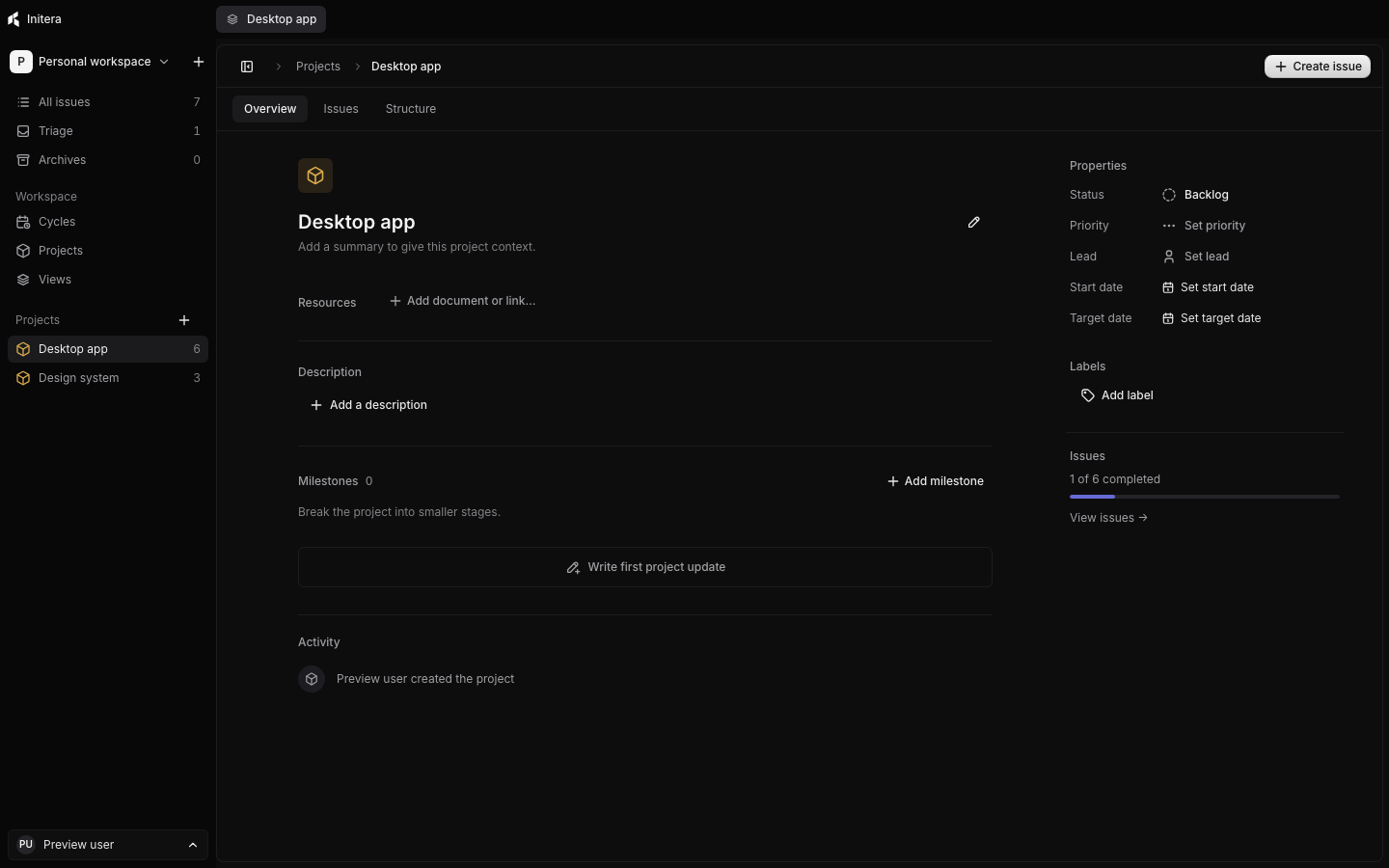
One place for the plan and the work behind it.
THE WORKSPACE
A good plan survives contact with the details. Keep tasks, project context, and progress close enough to act on.
Give work a status, priority, label, owner, and due date. Break it into sub-issues, link dependencies, and follow the activity as it changes.
Learn about issuesKeep the summary, resources, milestones, and updates beside the issues they explain. See what is done and what still needs attention.
Learn about projectsGroup issues into cycles, plan recurring periods, and decide where unfinished work goes when a cycle ends.
Learn about cyclesSEE THE WORK
Move from a compact list to a board, filter the work in front of you, and open an issue to see its context. The view stays quiet until you need to act.
Explore issue tracking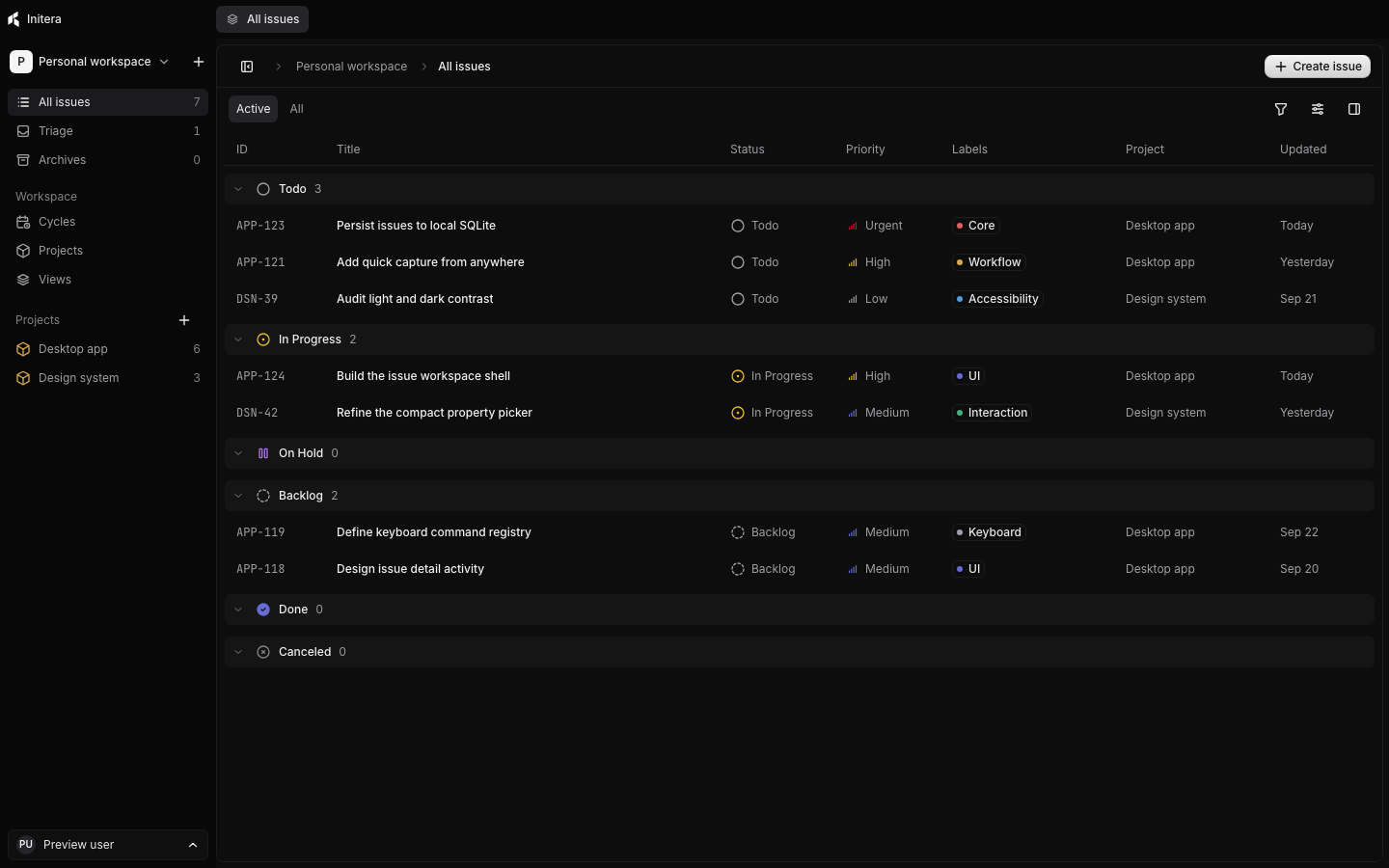
HOW IT FITS YOUR DAY
Search issues and projects, open a view, or run an action from the command bar.
Command bar guideRun a timer while you work, add past entries, and review time across the workspace.
Time tracking guideYour workspace lives on your computer. Export a portable backup with images when you need one.
Backup guideYOUR NEXT STEP
Start a workspace, add one issue, and build from there.
Run Initera